Count what you drink. See your own pattern.
One tap per drink, from the app or the widget. A calendar shaded by amount, weekly and monthly totals, and your own average. No account, no goals, no advice.

Tallyist in 30 seconds
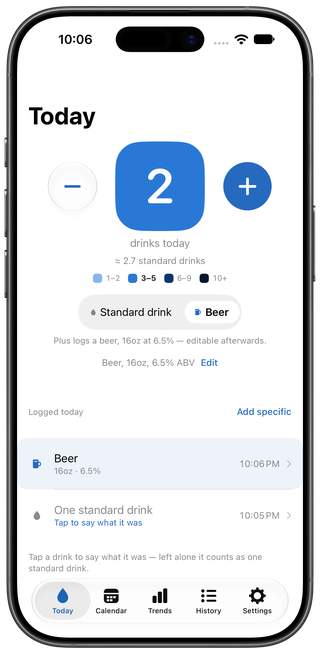
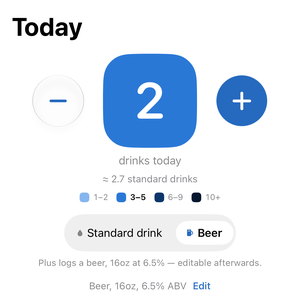
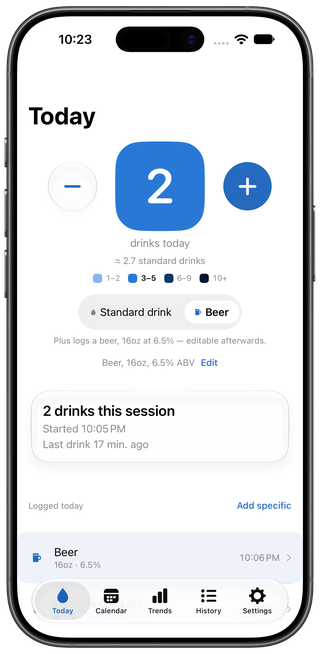
From what’s on tap, to one tap.
Not just for the beer drinkers. The Today screen and the Home Screen widget both log a drink with a single tap. Everything else is optional and happens later.

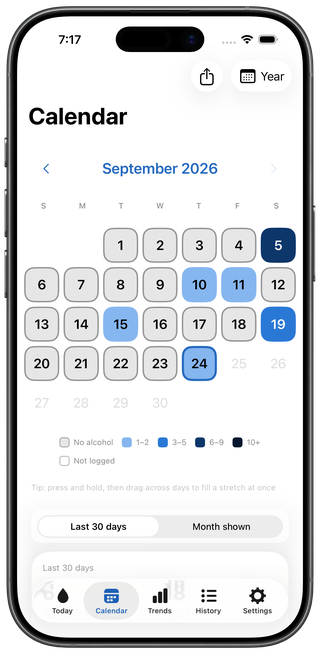
A calendar you can read at a glance.
Days shade by amount. Weeks and months add up.
Say what it was, when you feel like it.
Beer, wine, spirit, cocktail. Size and strength if you want them. Or leave it as a drink, which is also fine.

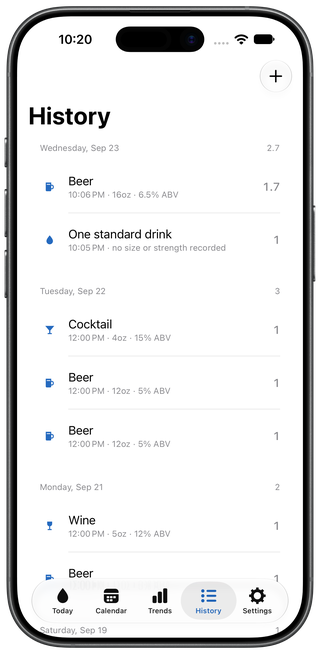
Yesterday counts too.
Add a drink to any past day, change one, or remove one. The log is yours to keep accurate.
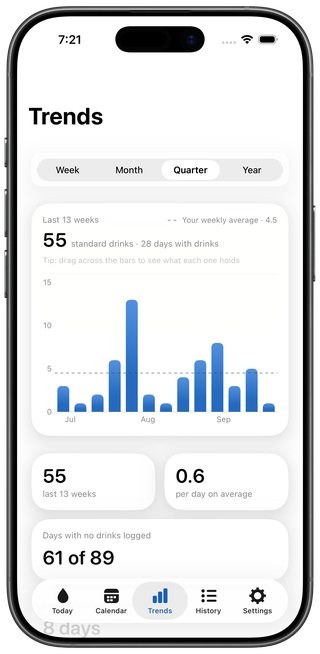
Your weeks, your weekdays, your weekends.
Charts of what you logged, side-by-side comparisons of your own days, and optional references from published US surveys, each named and dated in the app. The dashed line is your own average, not a target.
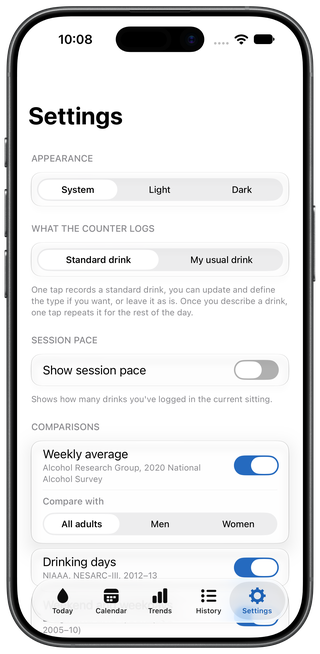
Session pacing
An optional card that shows how many drinks you have logged in the current sitting, when it started, and when the last one was. Off by default. It sets no limit and sends no notification.
Phones away.
Tap the number to hide the amount, hold the plus to say what the drink type is.
About Tallyist on Apple Watch
On Android.
Same app, same rules. No account is required. Tallyist asks for no sign-in, and has no permission to use the internet.
Everything else.
-
Appearance
System, light, or dark.
-
Standard drink size
United States, United Kingdom, or Australia. Past days recount when you change it.
-
Apple Health
Optional. Saves your drinks to Health if you allow it, and shows drinks other apps recorded there.
-
iCloud sync
Your log on your own devices, through your own iCloud.
-
Fill multiple days
Press and drag across the calendar to fill several days at once.
-
Siri and Shortcuts
Log by voice with Siri, or from Shortcuts and the Action button.
-
Share a month or year
An image of the calendar and its totals, made on your device, sent only where you send it.
-
CSV export
Your whole log as a spreadsheet file.
Yours, and only yours.
Apple Health is optional, and the app works without it.
- No account required
- There is nothing to sign up for.
- No servers
- Tallyist runs none. Your log never reaches the developer.
- No analytics
- Nothing about how you use the app is collected.
- Your own storage
- On iPhone, your log lives on your device and in your own iCloud, where Tallyist cannot see it. On Android, your log is stored on the device, and in your own Android backup if you use one.
Free. All of it.
On iPhone, there’s a tip jar in Settings, where you can buy me a drink.
Tallyist
- iPhone · Available now
- Apple Watch · Installs with the iPhone app
- Android · Available now